

How to Watch IPTV on Windows PC & Laptop — Complete Guide
Your Windows PC or laptop is one of the easiest devices to set up for IPTV streaming. No app store restrictions, no sideloading — just download a player, enter your credentials, and start watching 18,000+ channels. This guide covers the best IPTV players for Windows and step-by-step setup instructions for each. If you want to go further, how to watch IPTV on apple TV: full setup guide covers it in detail.
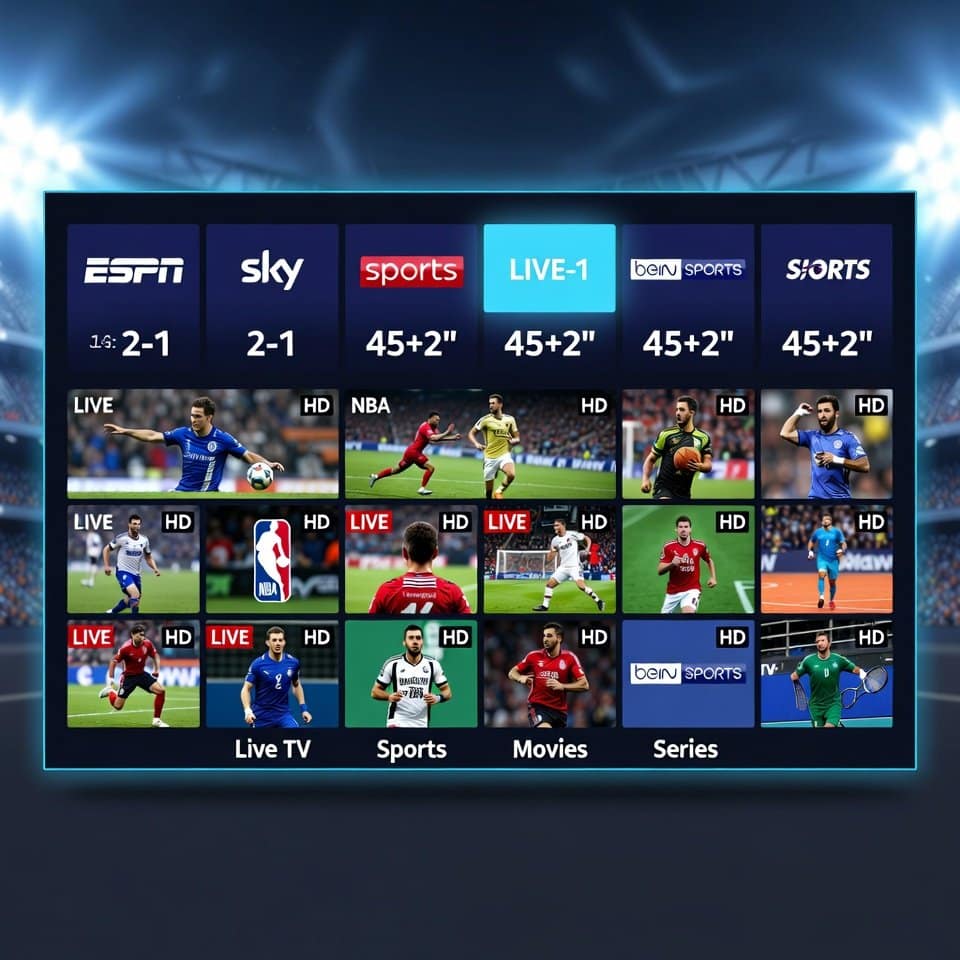
Best IPTV Players for Windows PC
1. IPTV Smarters Pro (Recommended)
The most popular IPTV player across all platforms, now available as a Windows desktop app.
📺 Ready to Start Streaming?
- Download IPTV Smarters Pro from the official website or Microsoft Store
- Install and launch the application
- Select “Xtream Codes API” as login type
- Enter your StreamFlex credentials: Server URL, Username, Password (from your subscription welcome email)
- Click “Add User” and wait for channels to load
- Browse Live TV, Movies, or Series categories and start streaming
2. VLC Media Player (Free & Simple)
VLC is free, open-source, and handles M3U playlists natively — perfect for a quick setup.
- Download VLC from videolan.org (free)
- Open VLC and go to Media → Open Network Stream (Ctrl+N)
- Paste your StreamFlex M3U URL in the network URL field
- Click Play — your channel list will load
- To browse channels: View → Playlist (Ctrl+L) to see all available channels
- Double-click any channel to start watching
Pro tip: Save your M3U playlist as a .m3u file on your desktop for one-click access. Right-click the file → Open with VLC.
3. MyIPTV Player (Microsoft Store)
A dedicated IPTV player available directly from the Microsoft Store with a clean, modern interface.
- Open Microsoft Store and search for “MyIPTV Player”
- Install the app (free with optional premium features)
- Go to Settings → Add New Playlist
- Enter your StreamFlex M3U URL and a name for the playlist
- Optionally add your EPG URL for the program guide
- Save and return to the main screen — channels appear organized by category
4. Kodi + PVR IPTV Simple Client
For power users who want maximum customization, Kodi with the PVR IPTV Simple Client offers a full media center experience.
- Download Kodi from kodi.tv (free)
- Go to Settings → Add-ons → Install from repository
- Navigate to PVR clients → PVR IPTV Simple Client → Install
- Configure the add-on: set M3U playlist URL to your StreamFlex M3U link
- Set EPG URL in the EPG settings tab
- Restart Kodi — your channels appear under TV → Channels
Windows PC Requirements for IPTV
- OS: Windows 10 or 11 (Windows 7/8 work with VLC and Kodi)
- RAM: 4 GB minimum (8 GB recommended for smooth 4K playback)
- Internet: 25 Mbps+ for HD, 50 Mbps+ for 4K
- Display: Any — laptop screen, external monitor, or connect to TV via HDMI
Connect Your PC to Your TV
Want the big-screen experience? Connect your Windows PC or laptop to your TV:
- HDMI cable — Direct connection, best quality, supports 4K
- Wireless display (Miracast) — Windows 10/11 built-in, Settings → Display → Connect to a wireless display
- Chromecast — Cast a Chrome tab with your IPTV player to your TV
Troubleshooting Windows IPTV
- Black screen / no video: Try a different player (VLC if Smarters isn’t working, or vice versa). Update your graphics drivers.
- Buffering: Use Ethernet instead of Wi-Fi. Close other bandwidth-heavy apps. Check our IPTV buffering fix guide.
- Audio out of sync: In VLC, go to Tools → Track Synchronization and adjust audio delay.
- Playlist won’t load: Verify your M3U URL is correct (no extra spaces). Try opening the URL in a browser first — it should start downloading a file.
Frequently Asked Questions
Is there an IPTV app for Windows?
Yes, several. IPTV Smarters Pro has a Windows desktop version, MyIPTV Player is on the Microsoft Store, and VLC/Kodi are free cross-platform options. All work with StreamFlex IPTV credentials.
Can I watch IPTV on my laptop while traveling?
Absolutely. That’s one of the biggest advantages of PC-based IPTV. As long as you have an internet connection (hotel Wi-Fi, mobile hotspot), you can watch all your channels from anywhere in the world. For more on this, see our how to watch IPTV on roku 2026 guide.
👉 Start your free StreamFlex trial — set up on your Windows PC in under 5 minutes.
Related Guides
- IPTV on Firestick
- IPTV on Apple TV
- IPTV on Smart TV
- IPTV on iPhone & iPad
- IPTV Buying Guide
- IPTV Buffering Fix

📚 Related guides: Install IPTV on Firestick · IPTV on Smart TV · IPTV on Android Box · IPTV on iPhone & iPad · Best IPTV for Football · Best IPTV USA · IPTV vs Cable TV
🚀 Get StreamFlex IPTV Today
20,000+ channels · 80,000+ movies · 4K quality · 24/7 support
💬 Order via WhatsApp 🎁 Free 24h Trial
✓ Instant activation · ✓ All devices · ✓ No contract · ✓ Money-back guarantee
One thought on “How to Watch IPTV on Windows PC & Laptop — Complete Guide (2026)”