

IPTV vs Cable TV — Why Cord-Cutters Are Switching in 2026
Cable TV bills keep climbing — the average American household now pays $120–$150/month for a cable package with 200 channels, most of which they never watch. IPTV (Internet Protocol Television) delivers the same live channels — and thousands more — over your internet connection at a fraction of the price. Here’s a complete comparison to help you decide if it’s time to cut the cord.
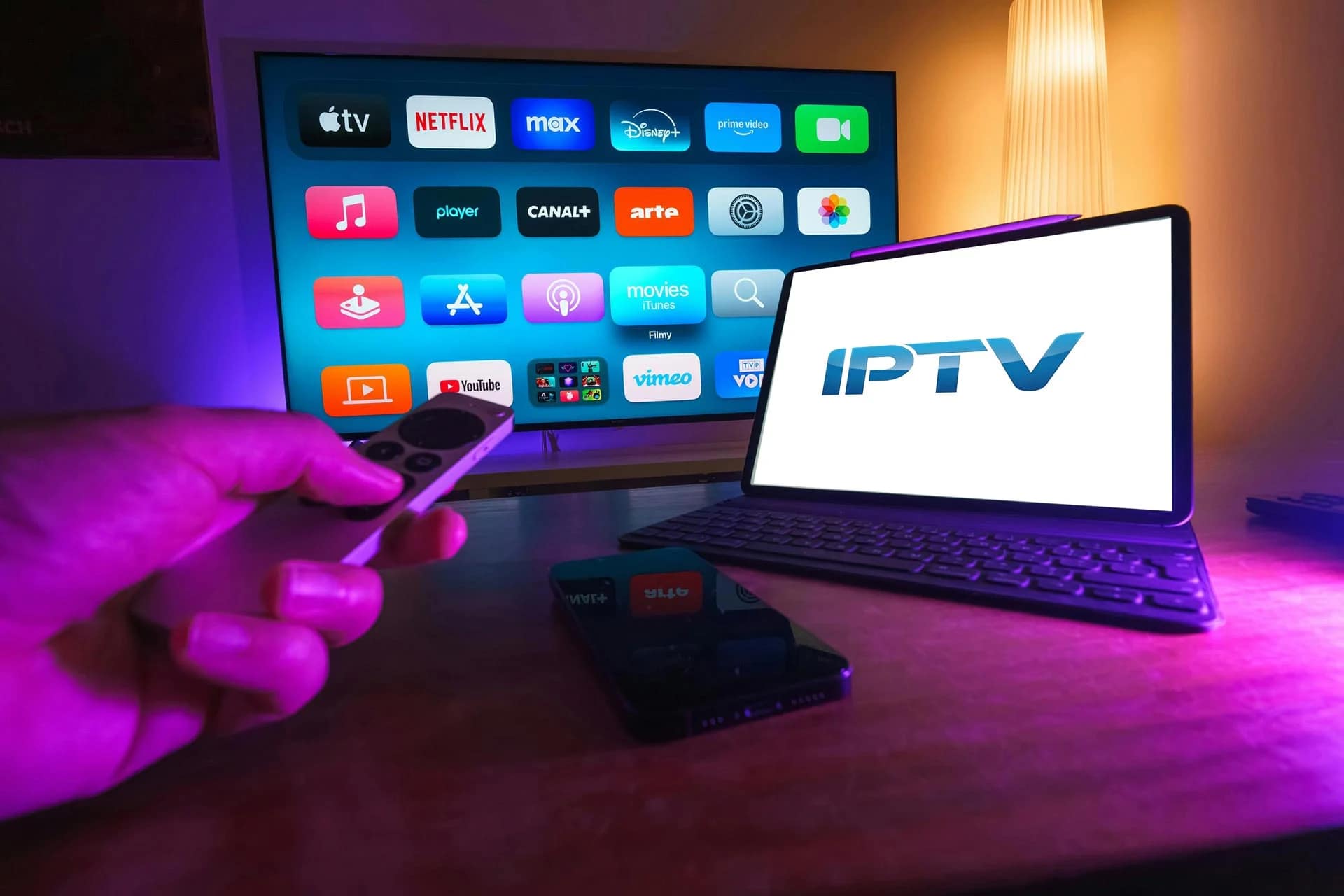
IPTV vs Cable TV: Head-to-Head Comparison
Let’s compare the key factors that matter most to TV viewers:
Price
- Cable TV: $120–$200/month (Xfinity, Spectrum, DirecTV, Cox) — often with 12-24 month contracts, equipment rental fees ($10–$15/box), broadcast fees, regional sports fees, and HD technology fees
- IPTV (StreamFlex): $19.99 for 3 months ($6.66/month), $35.99 for 6 months, or $59.99/year ($5/month) — no contracts, no hidden fees, no equipment rental
- Annual savings: Switch from cable to StreamFlex and save $1,380–$2,340 per year
📺 Ready to Start Streaming?
Channel Count
- Cable TV: 150–300 channels depending on your package tier. Want premium channels (HBO, Showtime, Starz)? Add $15–$20 each. Want sports? Regional sports networks cost extra.
- IPTV (StreamFlex): 18,000+ live channels from around the world — US, UK, Canada, Europe, Middle East, Asia, Latin America — all included. Every sports channel, every premium movie channel, every news network. No tiers, no add-ons.
On-Demand Content
- Cable TV: Limited VOD library, usually 500–2,000 titles. Many require additional rental ($4–$6 per movie). New releases cost extra.
- IPTV (StreamFlex): 86,000+ VOD titles — movies, TV series, documentaries — all included. New releases added regularly. No per-title rental fees.
Sports Coverage
- Cable TV: Regional sports networks often blacked out. NFL Sunday Ticket requires YouTube TV ($300+ add-on). PPV events ($79.99 each for UFC). Many international sports unavailable.
- IPTV (StreamFlex): Every sports channel worldwide — NFL, NBA, Premier League, UFC PPVs, F1, MLB, NHL, boxing — all included. Zero blackouts, zero PPV fees.
Equipment & Setup
- Cable TV: Requires cable box rental ($10–$15/month per TV), professional installation ($50–$100), coaxial cable wiring. Each additional room needs its own box.
- IPTV: Works on devices you already own — Smart TV, Firestick ($30 one-time), Apple TV, phone, tablet, laptop. No installation needed — download an app and start watching in 5 minutes.
Contracts & Flexibility
- Cable TV: 12–24 month contracts with early termination fees ($150–$400). Promotional rates expire after 12 months, then prices jump 40–60%.
- IPTV (StreamFlex): No contracts whatsoever. Pay for 3, 6, or 12 months — cancel anytime. Free trial available so you can test before buying.
Picture Quality
- Cable TV: Most channels in 720p/1080i. 4K content extremely limited (a few channels on Xfinity/DirecTV). Requires 4K cable box rental.
- IPTV (StreamFlex): HD and Full HD standard on all channels. 4K HDR available on select sports and movie channels. Quality depends on your internet speed (25 Mbps+ recommended for 4K).
Portability
- Cable TV: Tied to your home address. Can’t take it on vacation, to the office, or watch on the train. Some providers offer mobile apps with a fraction of the channel lineup.
- IPTV: Watch anywhere with an internet connection — hotel room, office, coffee shop, airplane Wi-Fi. Works on phones, tablets, and laptops, so your entertainment travels with you.
Why People Are Cutting the Cord in 2026
The shift from cable to IPTV has accelerated dramatically. According to recent industry data, over 6 million US households cut cable in 2025 alone. The top reasons cited:
- Cost — Average cable bill exceeds $150/month with fees, while IPTV offers more for under $10/month
- Content — Cable packages force you to pay for channels you don’t watch. IPTV gives you everything, and you choose what to watch.
- Flexibility — No contracts, no installation appointments, no waiting for a technician. Set up IPTV in minutes.
- International content — Expats and multilingual households get channels in their native language from their home country
- Sports without blackouts — The #1 reason sports fans switch. No regional blackouts, no separate PPV purchases.
What You Need to Switch to IPTV
Switching from cable to IPTV is surprisingly simple:
- Reliable internet — 25 Mbps for HD, 50 Mbps+ for 4K (you likely already have this)
- A streaming device — Smart TV, Firestick, Apple TV, Android box, phone, tablet, or PC (you likely already have one of these)
- An IPTV subscription — StreamFlex plans start at $19.99 with instant activation
- An IPTV player app — IPTV Smarters Pro, GSE Smart IPTV, or TiviMate (free to download)
Total setup time: under 10 minutes. Check our device-specific guides: Firestick · Smart TV · Apple TV · Android Box · iPhone · MAG Box · Roku
Common Concerns About Switching
“What if my internet goes down?”
Fair point — IPTV requires internet. But in 2026, internet uptime for major ISPs exceeds 99.5%. If your internet is reliable enough for Netflix, YouTube, and video calls, it’s reliable enough for IPTV. Many users keep a basic antenna ($20) as a backup for local channels during rare outages.
“Will the picture quality be as good?”
With a solid internet connection (25+ Mbps), IPTV picture quality matches or exceeds cable. Most cable delivers 720p/1080i — StreamFlex delivers 1080p Full HD on most channels and 4K HDR on select premium channels. The difference is especially noticeable on larger TVs (55″+).
“I’m not tech-savvy — is IPTV hard to set up?”
If you can install an app on your phone, you can set up IPTV. Download an app, enter your login credentials, and start watching. Our step-by-step guides make it even easier — most users are watching live TV within 5 minutes of subscribing.
Frequently Asked Questions
Can IPTV completely replace cable TV?
For the vast majority of viewers, yes. IPTV offers everything cable does — live channels, sports, news, movies, kids programming — plus thousands more international channels, a massive VOD library, and portability. The only exception: if you need a cable bundle for internet pricing, you may want to negotiate an internet-only plan with your ISP.
How fast does my internet need to be for IPTV?
Minimum 10 Mbps for SD, 25 Mbps for HD, and 50 Mbps+ for 4K streaming. If multiple people in your household stream simultaneously, add 10–25 Mbps per additional stream. Most broadband plans in 2026 offer 100+ Mbps, which is more than enough.
Do I need any special equipment?
No special equipment needed. IPTV works on Smart TVs, Amazon Firestick ($30), Apple TV, Android boxes, smartphones, tablets, and PCs. You likely already own a compatible device. No cable boxes, no satellite dishes, no professional installation.
👉 Try IPTV free with StreamFlex — see for yourself why millions are cutting the cord. No commitment, no credit card for the trial.
Related Articles
- Best IPTV Subscription USA
- Best IPTV Subscription UK
- Best IPTV Subscription Canada
- How to Install IPTV on Firestick
- View StreamFlex IPTV Plans
📚 Related guides: IPTV Buying Guide · IPTV Buffering Fix · Install IPTV on Firestick · Best IPTV for Football · Best IPTV USA
🚀 Get StreamFlex IPTV Today
20,000+ channels · 80,000+ movies · 4K quality · 24/7 support
💬 Order via WhatsApp 🎁 Free 24h Trial
✓ Instant activation · ✓ All devices · ✓ No contract · ✓ Money-back guarantee
11 thoughts on “IPTV vs Cable TV — Complete Comparison Guide (2026)”