

How to Set Up IPTV on Smart TV — Samsung, LG & Sony (2026 Guide)
Your Smart TV is already a streaming device — all you need is an IPTV app and a subscription to unlock 20,000+ live channels, sports, and movies without needing a Firestick or Android box. This guide covers how to set up IPTV on Smart TV for Samsung (Tizen), LG (webOS), and Sony (Android TV) models in 2026.
Before You Start
- Active IPTV subscription with M3U URL or Xtream credentials
- Smart TV connected to Wi-Fi or ethernet (ethernet recommended for 4K)
- 15 Mbps minimum (25 Mbps for 4K)
Samsung Smart TV (Tizen OS)
Samsung TVs use the Smart IPTV app or SSIPTV, both available in the Samsung App Store. Install Smart IPTV, note the MAC address shown on screen, log into the Smart IPTV website, enter your MAC and M3U URL, and reboot the app. Your channels will appear instantly. Related reading: how to set up an IPTV service on your Amazon firestick.
See also: IPTV buying guide · best IPTV for football · IPTV on Firestick
📺 Ready to Start Streaming?
LG Smart TV (webOS)
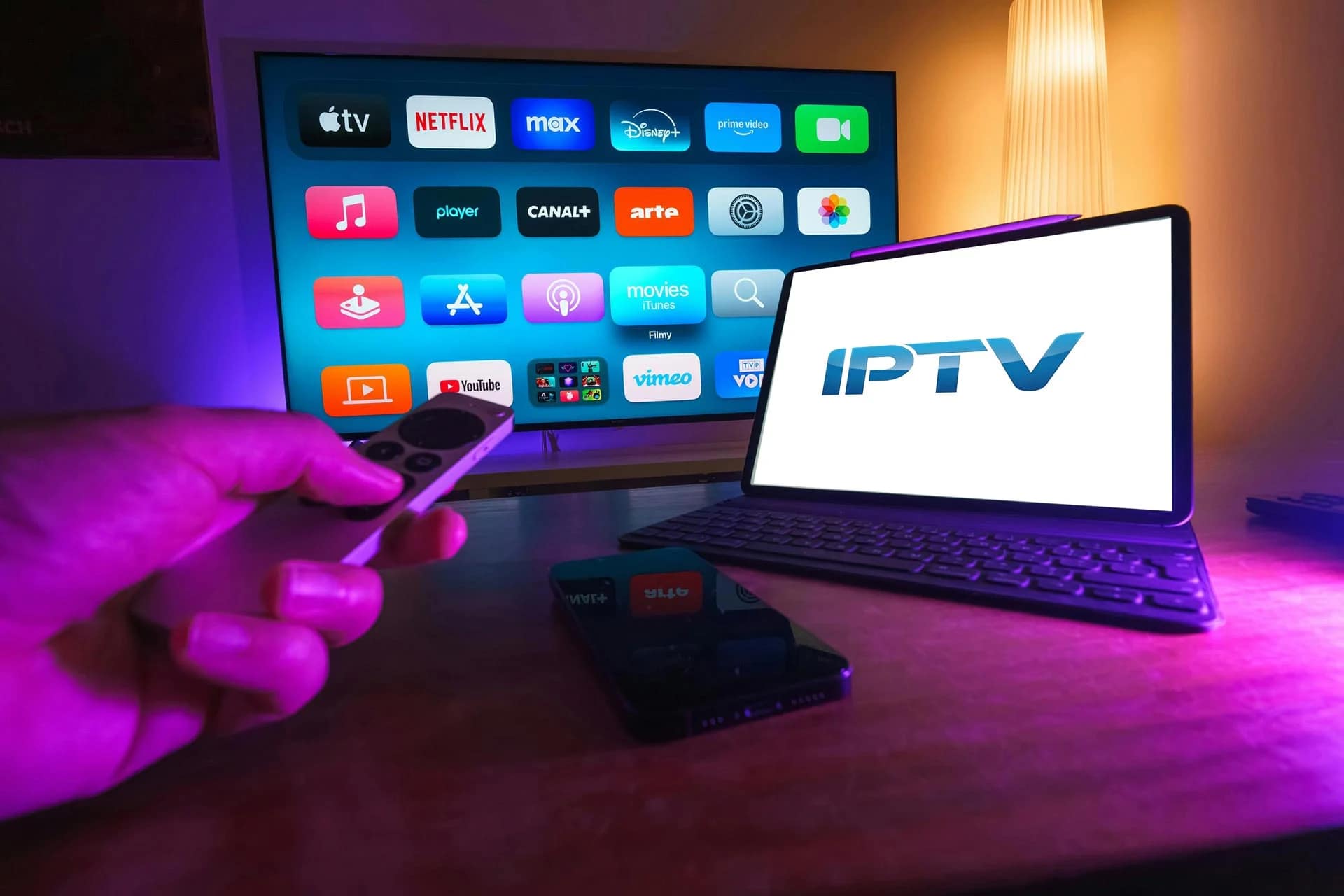
On LG webOS TVs, search the LG Content Store for SS IPTV or IPTV Smarters. Install, open the app, and either enter your Xtream Codes (username, password, server URL) or upload your M3U playlist. SS IPTV requires an activation code uploaded via their website.
Sony Smart TV (Android TV)
Sony Bravia TVs run Android TV, so you get direct access to the Google Play Store. Install IPTV Smarters Pro or TiviMate, open the app, enter your Xtream credentials, and start streaming. TiviMate is the best choice for Sony Android TVs thanks to its polished EPG and 4K playback.
Troubleshooting
Buffering? Use ethernet instead of Wi-Fi, or enable 5 GHz. Channels missing? Reload the playlist from within the app. App not available? Older Samsung/LG models may need a Firestick — see our Firestick IPTV guide.
Ready to get started? Browse our IPTV plans or grab a free 24-hour trial.
📚 Related guides: Install IPTV on Firestick · IPTV on Android Box · IPTV on iPhone & iPad · IPTV on MAG Box · Best IPTV for Football · Best IPTV USA · IPTV vs Cable TV
🚀 Get StreamFlex IPTV Today
20,000+ channels · 80,000+ movies · 4K quality · 24/7 support
💬 Order via WhatsApp
🎁 Free 24h Trial
✓ Instant activation · ✓ All devices · ✓ No contract · ✓ Money-back guarantee
10 thoughts on “How to Set Up IPTV on Smart TV — Samsung, LG & Sony Guide (2026)”